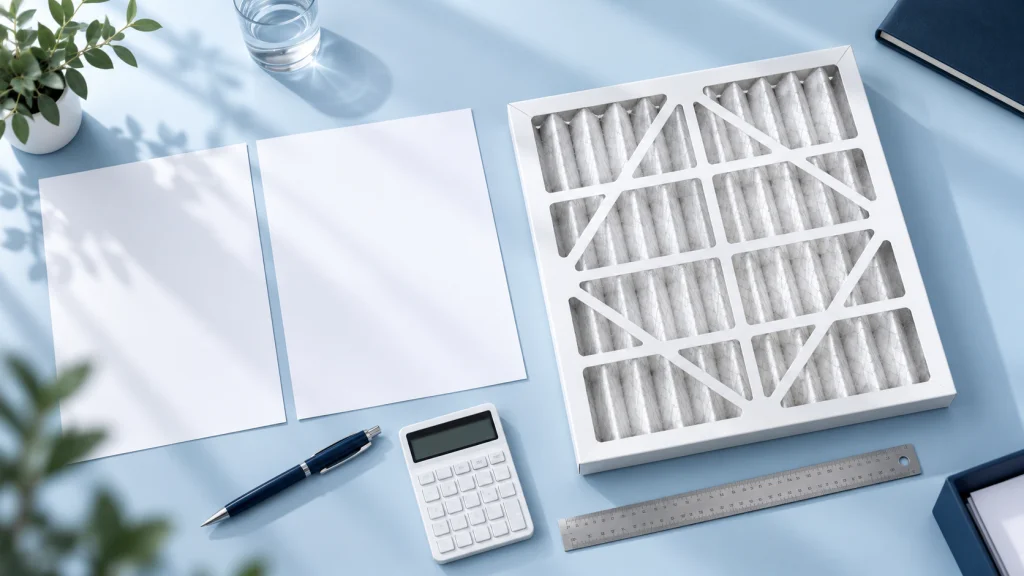
Ordering filters only when a change is due can leave little time to confirm a model or arrange delivery. A simple equipment register and a stock plan make routine replacement easier to organise. The aim is to have the correct configuration available when it is needed.
Build a register by equipment location
List each air-handling unit or filter bank, the type of filter at every stage and the quantity installed. Include width, height, depth, grade and sealing details. Keep photographs and model references alongside the record.
Separate similar-looking filters that have different specifications. A stock count is only useful when the items can be matched to their intended installation.
Use condition and equipment requirements
Set inspection and replacement decisions using the equipment’s instructions and the site’s operating procedures. Useful records can include pressure drop at a recorded airflow, visible condition and previous maintenance observations. A calendar can organise inspections, but it does not by itself establish a suitable service life.
Changes to operating hours or dust conditions may change maintenance needs. Review the plan after a process change rather than automatically repeating the previous year’s order.
Translate the maintenance plan into quantities
Count the filters needed for each planned change and identify installations where a spare set is important. Consider delivery arrangements, storage capacity and the time needed to check incoming goods. Agree lead time for the actual order instead of assuming every size is always available.
Panel and bag filter requirements should be recorded separately, even when they belong to the same unit. Different stages may need attention at different times.
Protect and identify stored filters
Keep products in their protective packaging and follow the supplied storage instructions. Label stock with the intended equipment and specification so that a correct item is not confused with a similar alternative. Before installation, check for transit or storage damage.
Make repeat orders easier
Save the agreed configuration and order reference after a successful purchase. For a planned order, send CINRIWA the filter register, quantities and preferred delivery date through our contact page. Flag changed requirements explicitly so they are reviewed rather than carried forward unnoticed.